

Keep your regular routes ready
Save up to three routes with a name, destination and optional starting point. Whether it is your commute or a regular stop, reopen directions without typing the same addresses again.
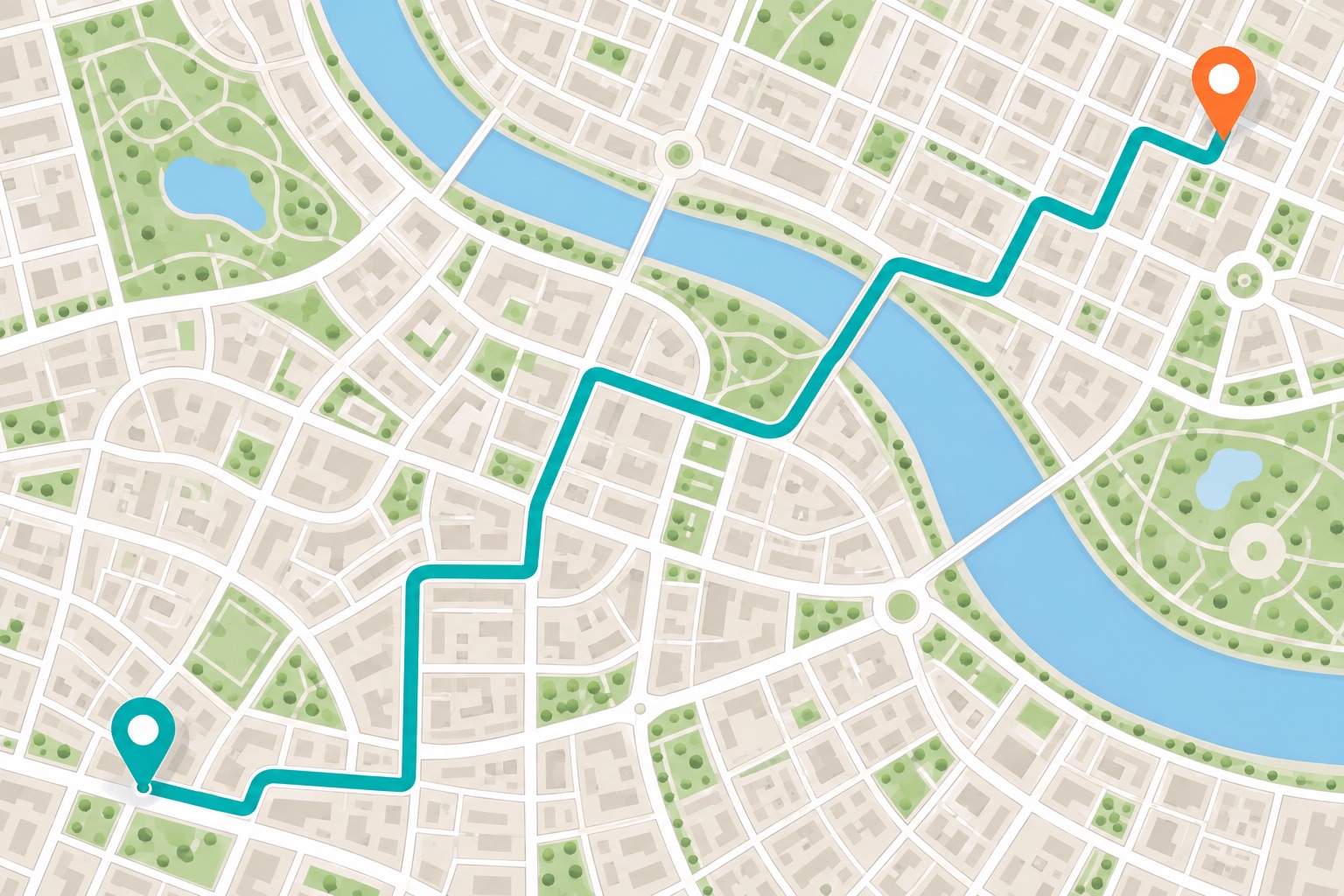
Find places, plan routes and save your favorite stops.
Click "Add to Chrome" and select "Keep it"
By adding the MapsPage extension to your browser, you agree to our Terms of Service and Privacy Policy. This extension changes your new tab.
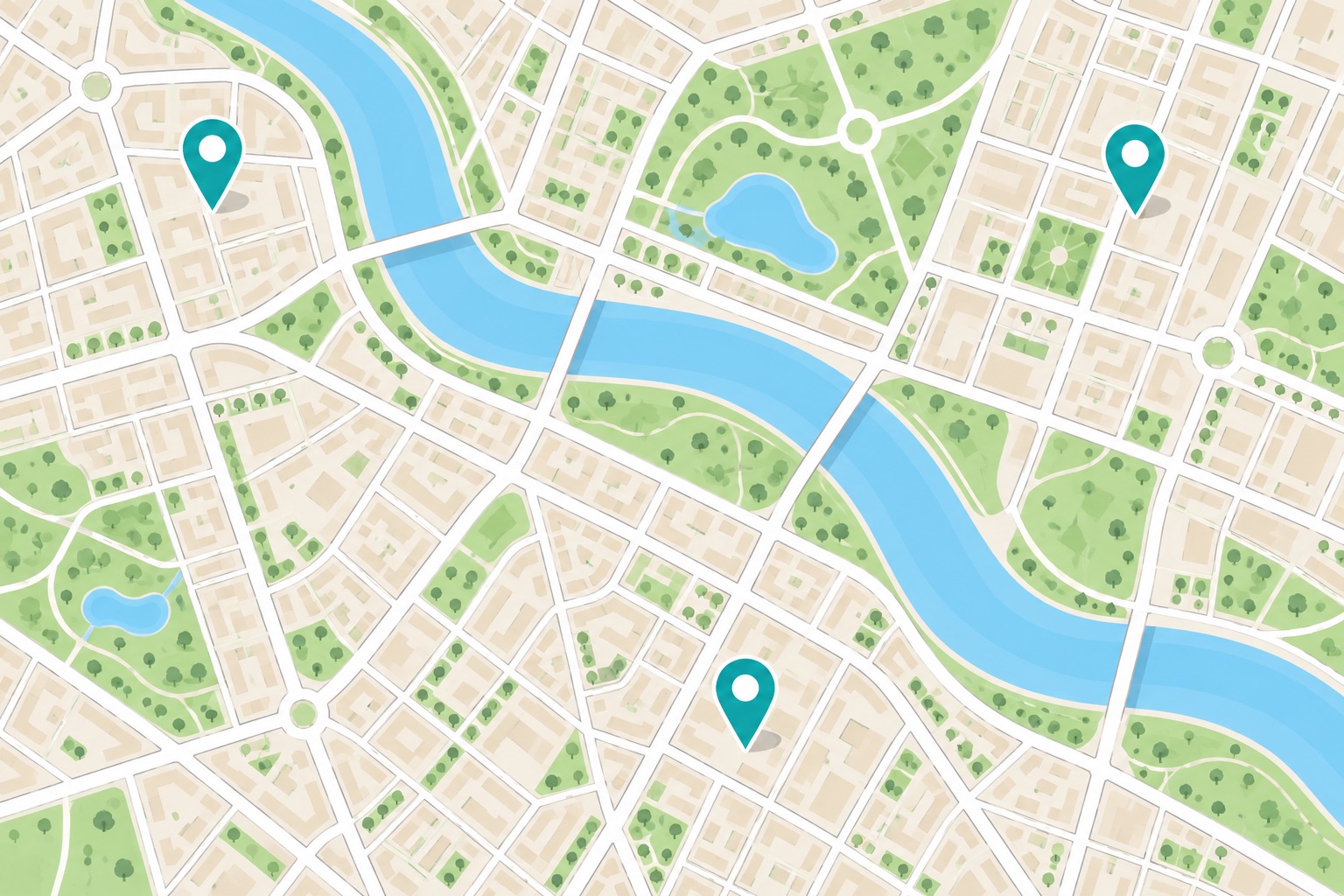
Look up an address, find a nearby stop or start a route. Your results open in your chosen map service, in a separate tab.
Search for an address or business, or enter a destination to open driving directions before you head out.
Open nearby searches for groceries, gas stations, coffee shops and parking with ready-to-use shortcuts.
Choose Google Maps, Bing Maps or MapQuest to view places and routes. Use the service you prefer from the same new-tab starting point.
Save up to three routes with a name, destination and optional starting point. Whether it is your commute or a regular stop, reopen directions without typing the same addresses again.
Make MapsPage your Chrome new-tab page for address search, nearby places and saved routes. You can disable or remove the extension in Chrome’s settings.
Click "Add to Chrome" and select "Keep it"
By adding the MapsPage extension to your browser, you agree to our Terms of Service and Privacy Policy. This extension changes your new tab.