

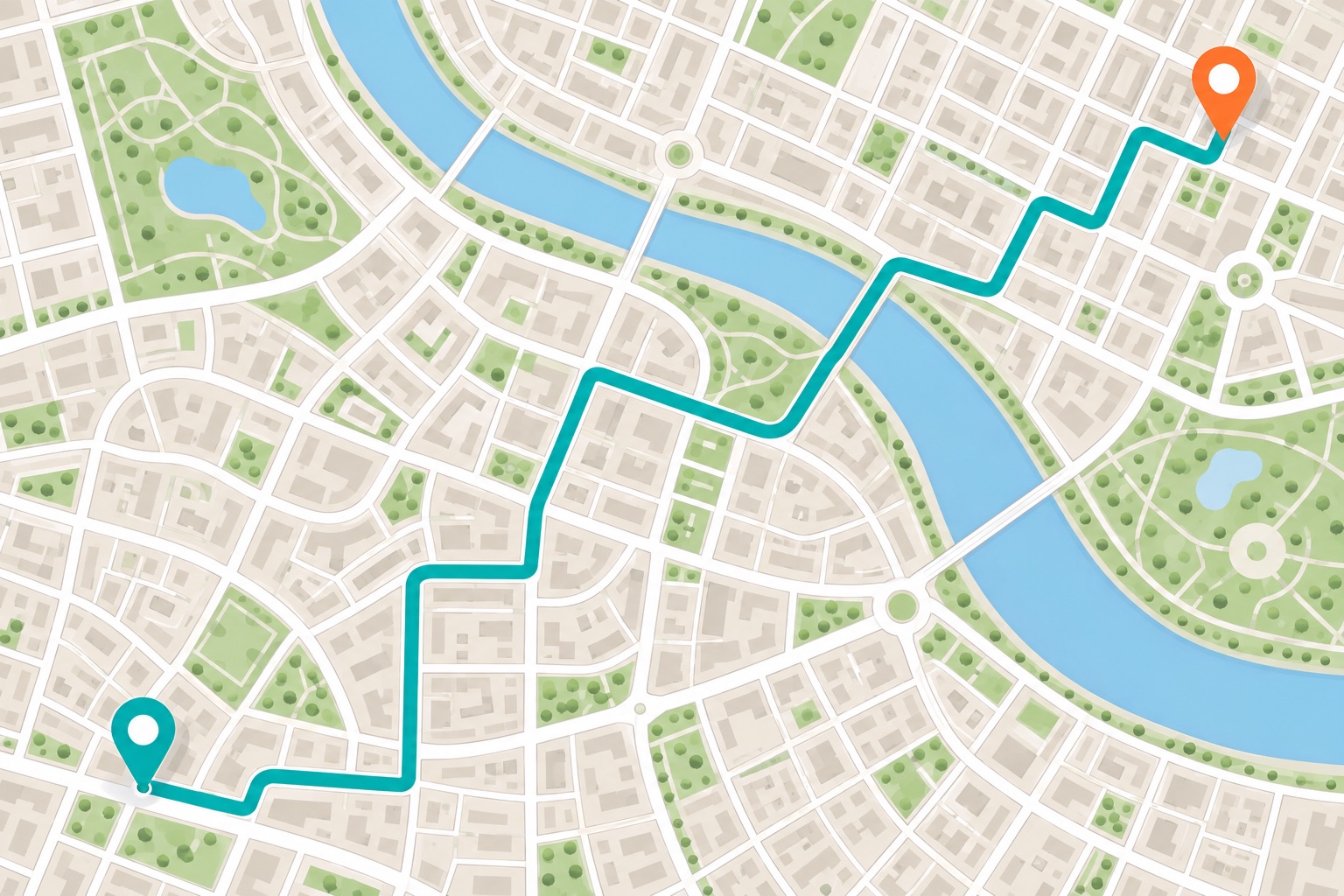
Driving Directions
Plan your route before you head out. Add MapsPage to open driving directions from your Chrome new tab.
- Driving directions
- Saved routes
- 3 map services
Click "Add to Chrome" and select "Keep it"
By adding the MapsPage extension to your browser, you agree to our Terms of Service and Privacy Policy. This extension changes your new tab.
Plan the drive before you leave
Keep the trips you make often close at hand. Enter a new destination or reopen a saved route, then let your chosen map service guide the planning.
Driving directions
Start with the place you want to go. Add a starting address now or leave it blank to complete the route in your map service.
Saved places & routes
Keep up to three routes for trips you make often. Save a destination with an optional starting point, give the route a name and reopen it from your new tab.
Choose your map service
Choose Google Maps, Bing Maps or MapQuest. Your route opens in a separate tab, where that service provides the map and driving directions.
Common questions
Can I save a route I use often?
Yes. Save up to three routes, each with a name, destination and optional starting point. Open a saved route from your new tab without typing those addresses again.
Where will I see my driving directions?
In Google Maps, Bing Maps or MapQuest, whichever you choose. MapsPage opens that service in a separate tab; the map service supplies the route and directions.
Do I need to enter a starting point?
The starting point is optional. Enter your destination, then complete the route in your chosen map service.
What changes when I install MapsPage?
MapsPage replaces your Chrome new-tab page with place search, directions shortcuts and web search. Open a new tab on your computer to use it. You can disable or remove it in Chrome’s extension settings.
Keep your regular routes within reach
Add MapsPage to Chrome and start each route from your new tab. Save regular destinations so you can skip typing them again.
Click "Add to Chrome" and select "Keep it"
By adding the MapsPage extension to your browser, you agree to our Terms of Service and Privacy Policy. This extension changes your new tab.