

Maps & Driving Directions
Find places and plan your next trip. Add MapsPage to open maps and directions from your Chrome new tab.
- Place search
- Nearby stops
- Driving directions
Click "Add to Chrome" and select "Keep it"
By adding the MapsPage extension to your browser, you agree to our Terms of Service and Privacy Policy. This extension changes your new tab.
Maps for your everyday plans
Planning an errand or exploring a new area? Start a place search or a route from the same spot on your new tab.
Maps & address search
Search for a business, street address or city from your new tab. Your chosen map service opens in a separate tab with the results.
Nearby places
Choose a shortcut for groceries, gas stations, coffee or parking. MapsPage sends a nearby search to your map service, ready for you to browse.
Driving directions
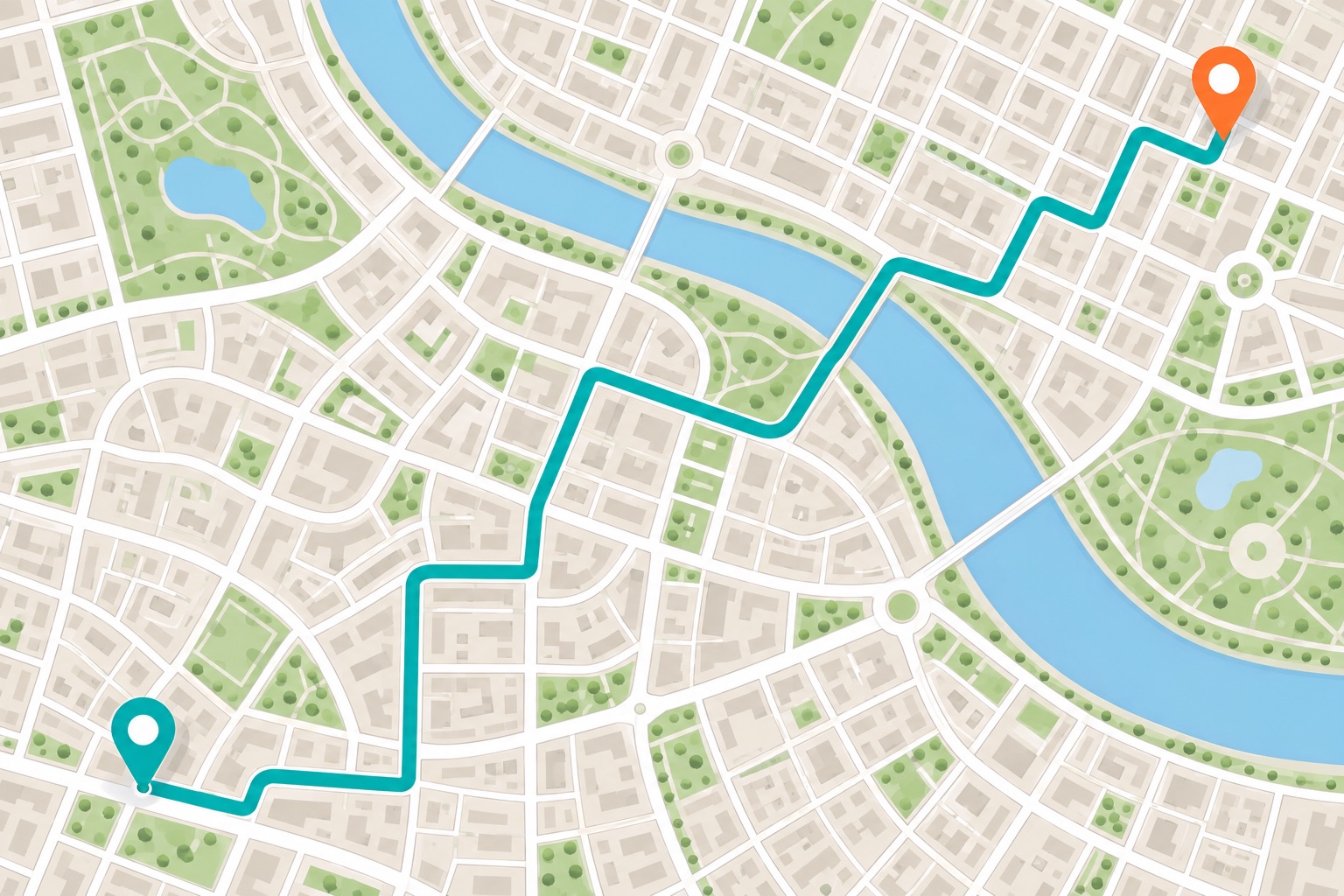
Enter a destination and add a starting point if you want. Review the route in Google Maps, Bing Maps or MapQuest before you leave.
Common questions
What does MapsPage add to Chrome?
MapsPage replaces your new-tab page with place search, directions shortcuts and web search. Install the extension in Chrome on your computer, then open a new tab to use it.
Does MapsPage display its own maps?
MapsPage starts your search; Google Maps, Bing Maps or MapQuest displays the results in a separate tab. You choose the map service, and that service provides the maps and directions.
Can I find businesses near me?
Yes. Use a shortcut for gas stations, groceries, restaurants, coffee, parking, hotels or ATMs. Each shortcut opens a “near me” search in your chosen map service.
Can I remove MapsPage later?
Yes. You can disable or remove MapsPage from Chrome’s extension settings. Removing it ends its replacement of your new-tab page.
Your next stop, a new tab away
Add MapsPage to Chrome for place searches, nearby shortcuts and directions whenever you open a new tab.
Click "Add to Chrome" and select "Keep it"
By adding the MapsPage extension to your browser, you agree to our Terms of Service and Privacy Policy. This extension changes your new tab.